Valentine’s vanity card


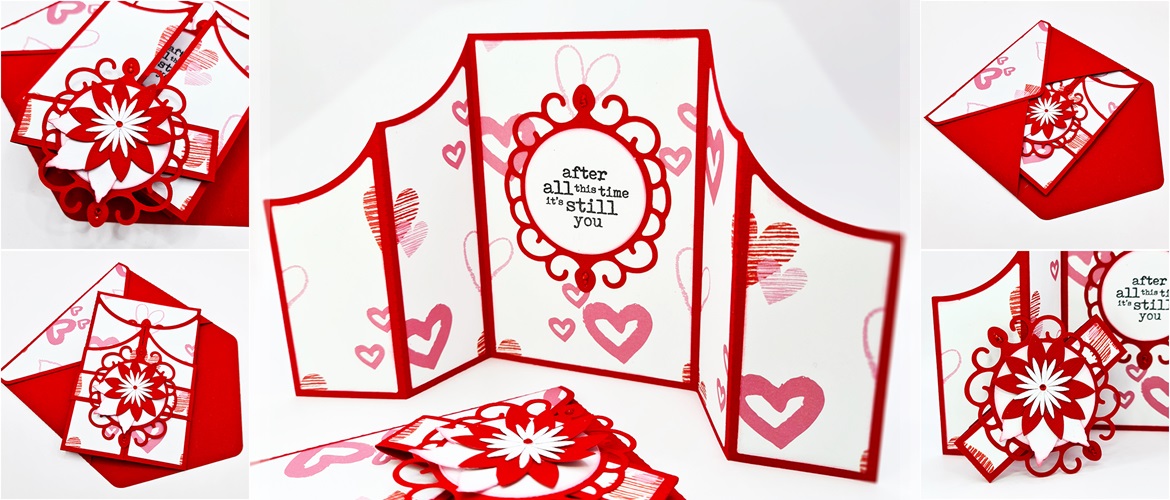
Celebrate love with this Valentine’s vanity card and envelope set.
Impress your loved ones with your handmade card this Valentine’s Day. Download this free ScanNCut cutting pattern from the Gentleman Crafter below. Don’t worry it’s easier than it looks like ;)Dimensions
The card measures approximately 3.5 inches wide by 5.5 inches tall and includes cutting data for a custom sized envelope too!
Materials needed
Paper/card
- 2 sheets of 12 x 12” cardstock: I recommend colour-core cardstock between 180gsm/65lb and 210gsm/80lb. Using thicker card may make the project difficult or impossible to assemble effectively
- 2 sheets of 12 x 12” patterned paper: I recommend a midweight paper/card such as 160gsm/65lb card stock
You will also need
- Bookbinding glue or low tack-quick grab glue
- For scoring the fold lines, I recommend a fine tipped stylus and a metal ruler
- Assorted embellishments (optional)
Equipment needed
ScanNCut hardware
- Brother ScanNCut – Any CM Model
- Standard mat [CAMATSTD12]
- Standard blade [CABLDP1] and blade holder [CAHLP1]
OR
- Brother ScanNCut – Any SDX Model
- Standard mat [CADXMATSTD12]
- Standard auto blade [CADXBLD1] and holder [CADXHLD1]
ScanNCut software
- CanvasWorkspace for PC or Mac
How to
Step 1
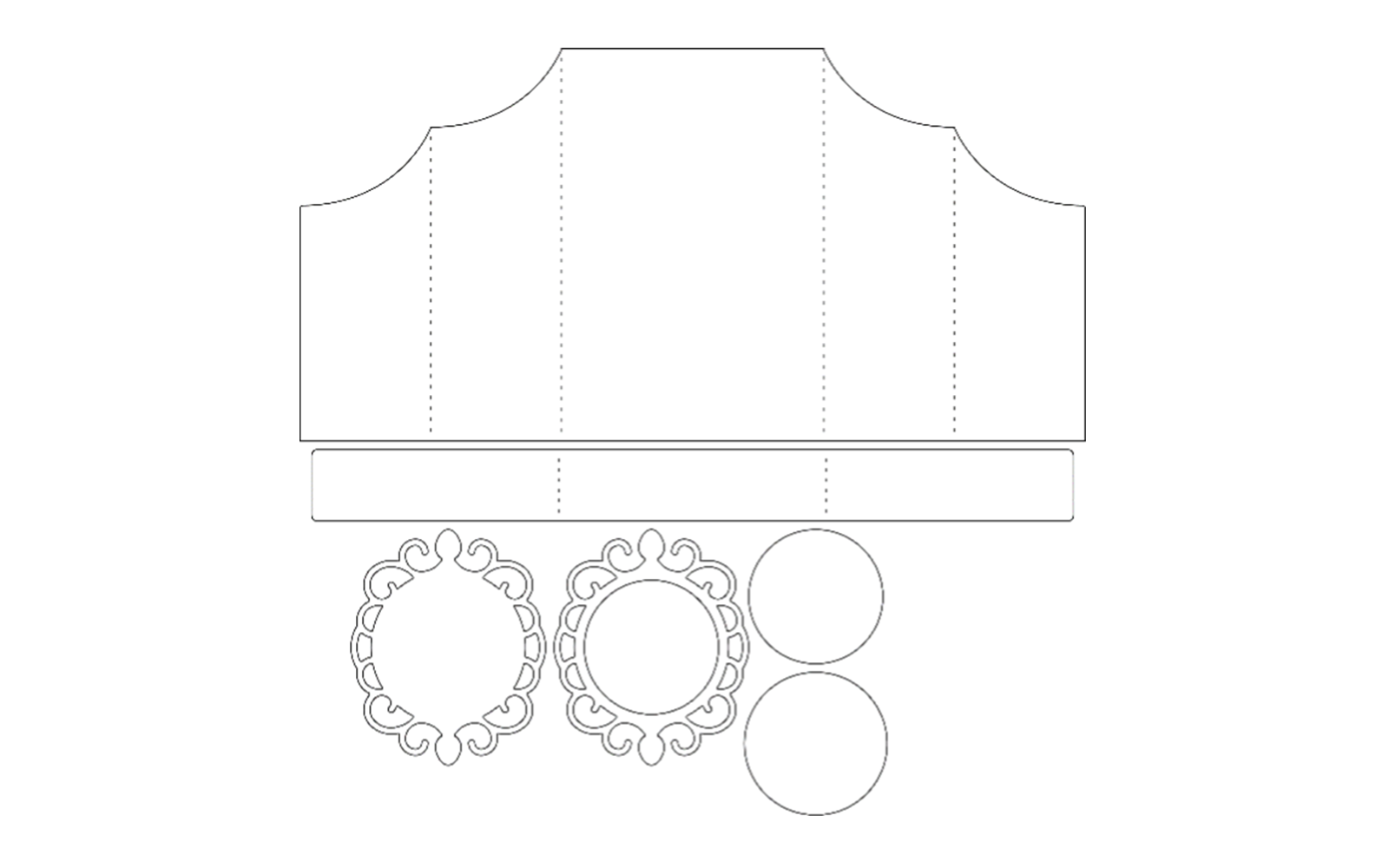
Download the CanvasWorkspace project file. Open it in CanvasWorkspace (the desktop version). Open the layers tab on the right.
Step 2
Hide & lock all layers except the one titled 1. Transfer this to your machine using the File>Export/Transfer FCM File menu option. Cut one from 12 x 12” cardstock.
Step 3
Hide & lock all layers except the one titled 2. Transfer this to your machine using the File>Export/Transfer FCM File menu option. Cut one from 12 x 12” patterned paper.
Step 4
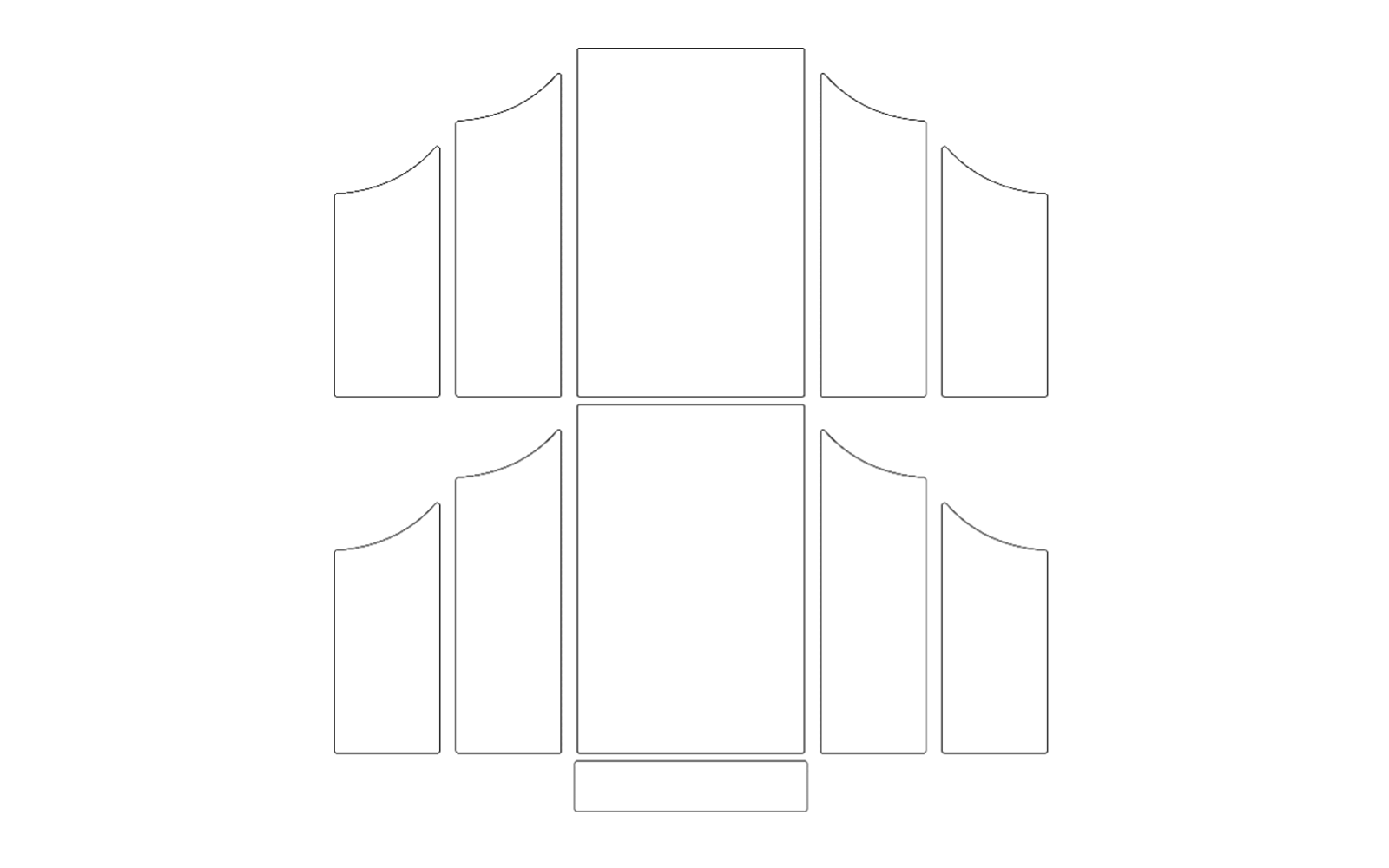
Hide & lock all layers except the one titled 3. Transfer this to your machine using the File>Export/Transfer FCM File menu option. Cut one from 12 x 12” cardstock.
Step 5
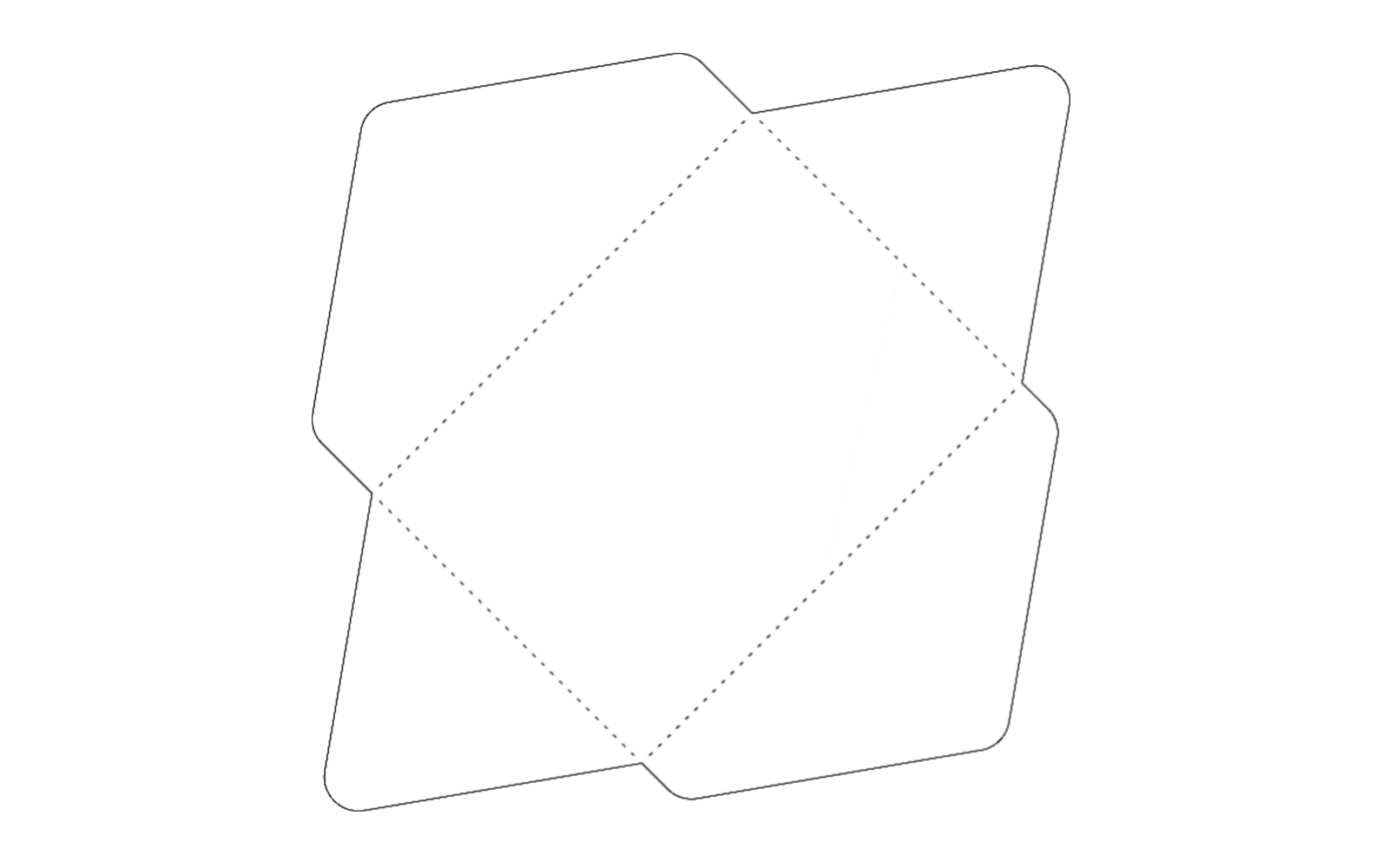
Hide & lock all layers except the one titled 4. Transfer this to your machine using the File>Export/Transfer FCM File menu option. Cut one from 12 x 12” patterned paper.
Step 6
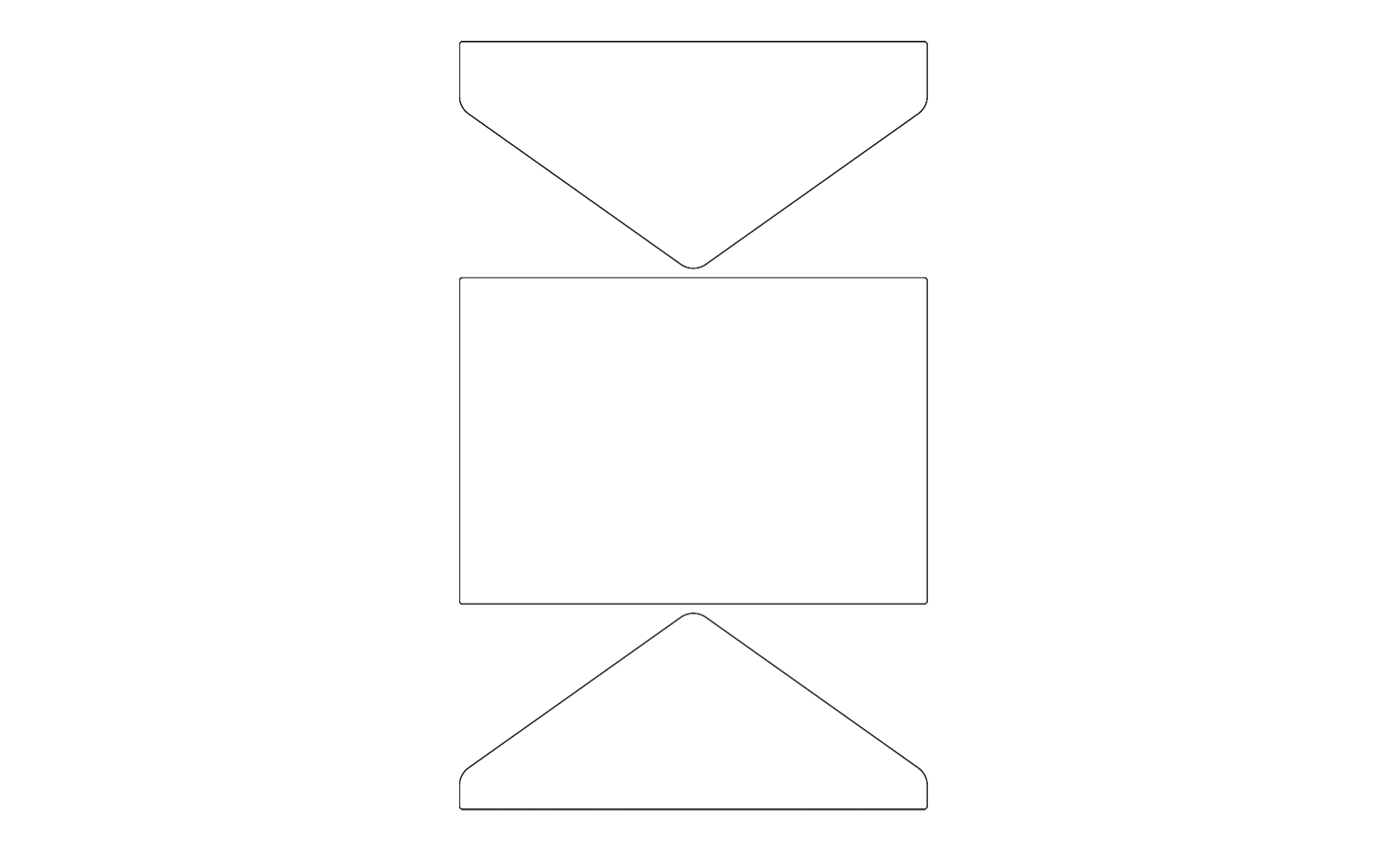
Assemble as shown in the video.
If you make this, remember to tag in Brother on Instagram and Facebook, and myself on Facebook (and give us all a follow too)! You can also find Brother on Pinterest and YouTube for even more ScanNCut inspiration.